Logitech M90 vs B100, and the best everyday mice under $50 (wired and wireless)
The Logitech M90 and B100 are the same mouse in different boxes. What really differs, and the best wired and wireless mice for everyday use under $50.
Disclosure: This article may contain affiliate links. If you buy through them we may earn a small commission at no extra cost to you. It never influences our editorial opinion. As an Amazon Associate, GeekyGoo earns from qualifying purchases.
If you just need a mouse that works, for email, spreadsheets, browsing and homework, you don’t need to spend much. Two names come up again and again: the Logitech M90 and the Logitech B100. They look the same, cost about the same, and most people can’t tell what the difference is. That’s because, under the plastic, there barely is one.
Here’s what actually separates the M90 and B100, and the best everyday mice under $50 from Logitech, Dell, Lenovo and others: cheap wired ones, and wireless and Bluetooth picks if you’d rather lose the cable.
Prices were checked on 26 November 2026, in the middle of Black Friday week. US prices are each maker’s regular price (many are on sale right now); India prices are Amazon.in. Prices change often, so check the buy button before you order. We haven’t tested every mouse here; the picks are based on manufacturers’ specs and pricing.
The quick picks:
| Best for | Pick | US price | India price |
|---|---|---|---|
| Cheapest good wired mouse | Logitech B100 | $7.99 | ₹329 |
| Wired, in India | Logitech M90 or B100 | – | ₹329–₹393 |
| Best cheap wireless | Logitech M185 | $17.99 | ₹810 |
| Cheapest Bluetooth (no dongle) | Logitech M196 | $14.99 | ₹695 |
| Quiet clicks | Logitech M220 Silent (M221 in India) | $17.99 | ₹725 |
| Best all-rounder | Dell MS3320W (receiver + Bluetooth) | $24.99 | ₹1,699 |
| Step-up for all-day use | Logitech Signature M650 | $39.99 | ₹2,750 |
Logitech M90 vs B100: what’s the difference?
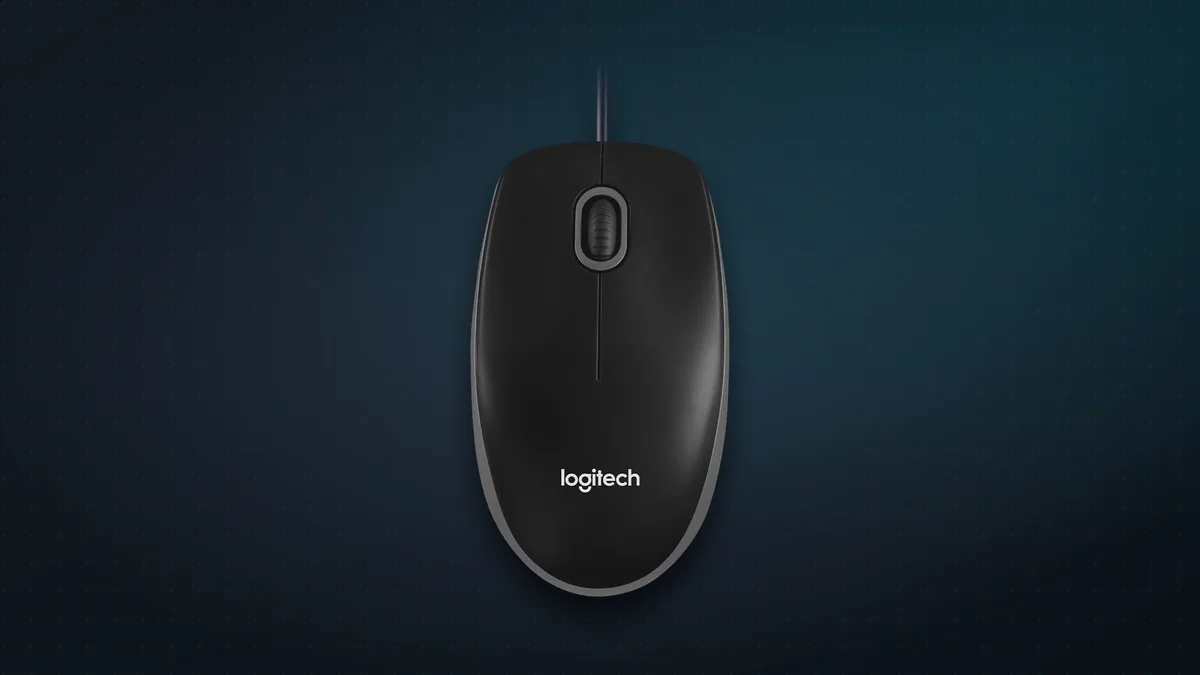
Almost nothing, apart from the box. Logitech’s own spec pages give the two mice identical numbers: the same 113 × 62 × 38 mm body, about 90 g, a 180 cm USB cable, an optical sensor at 1000 DPI, three buttons (left, right and a clickable wheel), a symmetrical shape that suits left- and right-handers, and a 3-year warranty. They even share the same model number on the label.
What really differs:
| Logitech M90 | Logitech B100 | |
|---|---|---|
| Who it’s sold to | Shoppers (mainly India, Asia, Australia) | Businesses and schools (“for Business”) |
| Still sold by Logitech? | No, removed from Logitech’s sites | Yes |
| Sensor | 1000 DPI | 1000 DPI (some listings still say 800) |
| Chromebook | Not listed | Certified “Works With Chromebook” |
| Extras | – | Tested to 2,700 alcohol-wipe cycles; 72% recycled plastic |
| Price | ₹356–₹393 in India; rare in the US | $7.99 in the US; ₹329 in India |
About that “800 vs 1000 DPI” difference. Some B100 listings, including Amazon India’s, still say 800 DPI, and so does an older Logitech school leaflet. Logitech’s current B100 page and its support spec both say 1000 DPI. Either way, it doesn’t matter for office work: a 25% difference in cursor speed is one notch on the pointer-speed slider in Windows or macOS.
Which should you buy? Whichever is cheaper where you are. In the US that’s the B100, because the M90 is old stock and often costs twice as much. In India both are easy to find; the B100 is usually a little cheaper and is still a current Logitech product. Logitech’s current retail twin of the same body is the M100 in the US and the M100r in India.
The best cheap wired mice
1. Logitech B100: the default cheap mouse
The B100 is about as simple as a mouse gets, and that’s the point: plug it in, and it works on Windows, Mac, Chromebook and Linux, with nothing to install. The long cable reaches a desktop tower under the desk, the shape suits either hand, and the 3-year warranty is unusual at this price.
- Specs: wired USB-A, 180 cm cable · 1000 DPI optical · 3 buttons · 90 g · ambidextrous · 3-year warranty
- Price: $7.99 (US) · ₹329 (India)
- Buy: Amazon US · Amazon India
2. Logitech M90: the same mouse, sold in India
If you’re in India and the M90 is cheaper than the B100 on the day, buy it: it’s the same mouse. In the US, skip it; it’s old stock and usually costs more than a B100.
- Specs: identical to the B100 · 3-year warranty
- Price: ₹356–₹393 (India)
- Buy: Amazon India · Amazon US
The Logitech M100 (US, $9.99) and M100r (India, ₹485) are the same body again, sold as current retail models with a 3-year warranty. Buy one if the B100 is out of stock: M100 on Amazon US · M100r on Amazon India.
3. Dell MS116: the cheapest big-brand alternative
Dell’s basic wired mouse, now called the Dell Pro 3 Wired Mouse, is a dependable basic. It’s a little slimmer and lighter than the Logitech, with the same 1.8 m cable and 1000 DPI, and Dell India gives it a 3-year warranty. In India it’s often the cheapest big-brand mouse you can buy.
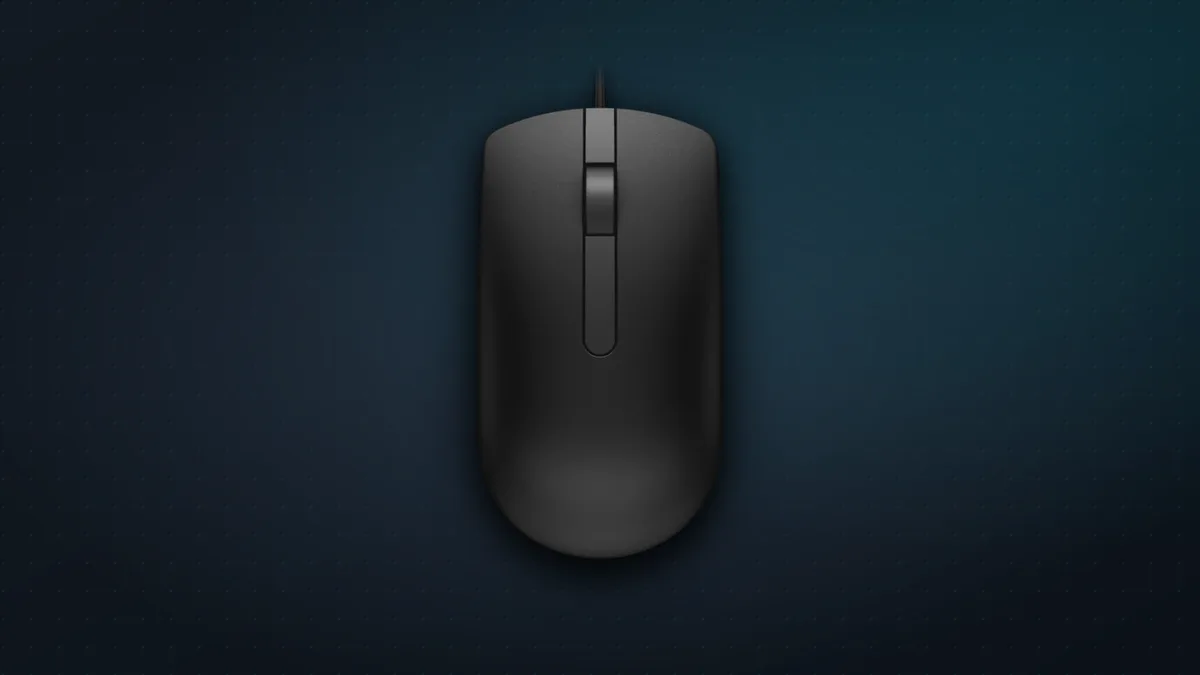
- Specs: wired USB-A, 1.8 m · 1000 DPI · 3 buttons · 87 g · symmetrical
- Price: $11.99 (US) · ₹298 (India)
- Buy: Amazon US · Amazon India
4. Lenovo 300 USB Mouse: a faster sensor for the same money
The Lenovo 300 has a 1600 DPI sensor, which helps a little on big or high-resolution monitors because the cursor covers more screen per inch. It’s slim, and in India Lenovo gives it a 3-year warranty (1 year in the US).
- Specs: wired USB-A, 1.8 m · 1600 DPI · 3 buttons · ambidextrous
- Price: $7.99 (US) · ₹300 (Lenovo India store)
- Buy: Amazon US
Also worth a look: in the US, the Amazon Basics 3-Button USB Mouse (about $9.70, 1000 DPI) is a fine spare: Amazon US. In India, if every rupee counts, the Zebronics Zeb-Comfort Plus (about ₹109) and Portronics Toad 101 (about ₹149) work, with a shorter cable and a 1-year warranty: Zeb-Comfort Plus · Toad 101.
The best wireless mice under $50
Wireless costs a little more, but there’s no cable to tangle and nothing to snag on the desk. Most budget models run for 12 to 24 months on one AA battery. You choose between a USB receiver (a tiny dongle that plugs in) and Bluetooth (no dongle, frees a port, works with iPads).
5. Logitech M185: the best cheap wireless mouse
The M185 has been a bestseller for years for good reason. Plug in the tiny receiver and it just works, with a claimed year on one AA battery and an on/off switch for your bag. It’s compact, so it suits small and medium hands, and laptops especially. In the US it comes with a 3-year warranty.
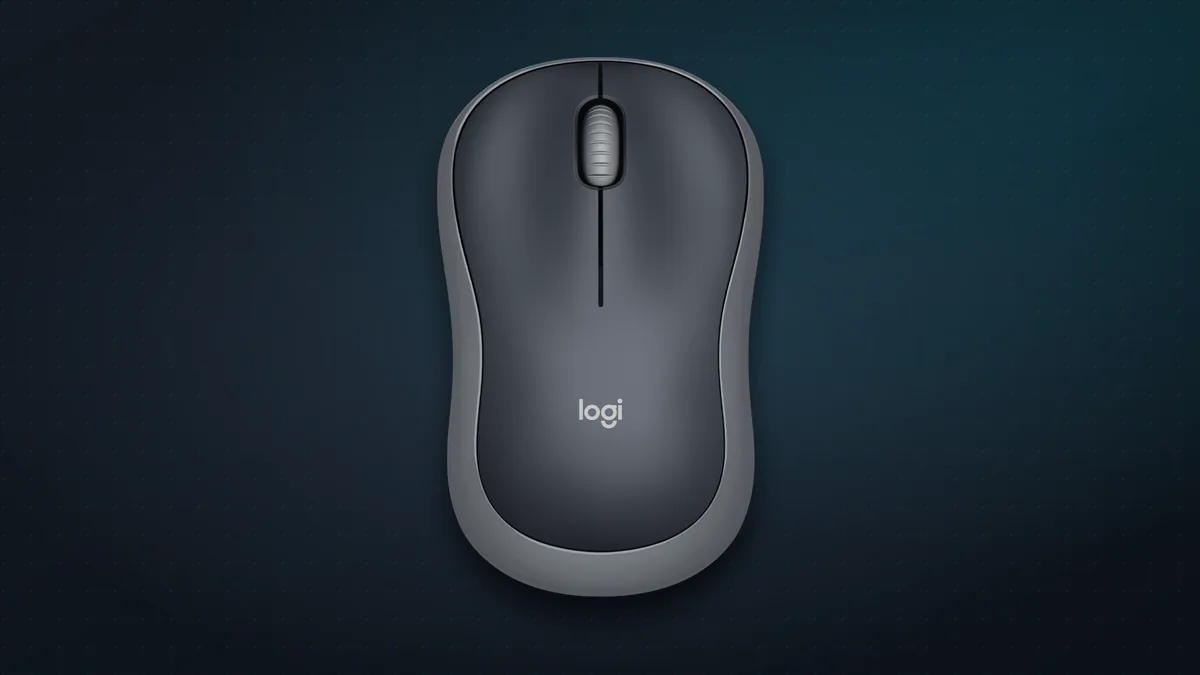
- Specs: 2.4 GHz USB receiver · 1000 DPI · 3 buttons · 1×AA, about 12 months · 75 g · ambidextrous
- Price: $17.99 (US) · ₹810 (India)
- Buy: Amazon US · Amazon India
Cheaper still: the Logitech M170 (US) and M171 (India) are slightly smaller and lighter versions with the same receiver and battery life: $14.99 · ₹795. M170 on Amazon US · M171 on Amazon India.
6. Logitech M196: the cheapest Bluetooth mouse worth buying
The M196 skips the dongle and connects over Bluetooth, so it works with laptops that only have USB-C ports, and with iPads and tablets. It’s Logitech’s cheapest Bluetooth mouse, rated for 12 months on one AA.
- Specs: Bluetooth only · 1000 DPI · 1×AA, about 12 months · 76 g · 1-year warranty
- Price: $14.99 (US) · ₹695 (India)
- Buy: Amazon US · Amazon India
7. Logitech M220 Silent (M221 in India): the quiet one
If you share a room, work in a library or take calls, the click of a normal mouse gets old fast. Logitech says its SilentTouch buttons cut click noise by 90%, but they still feel like a click under your finger. It uses a USB receiver, lasts about 18 months on one AA, and has a 3-year warranty.
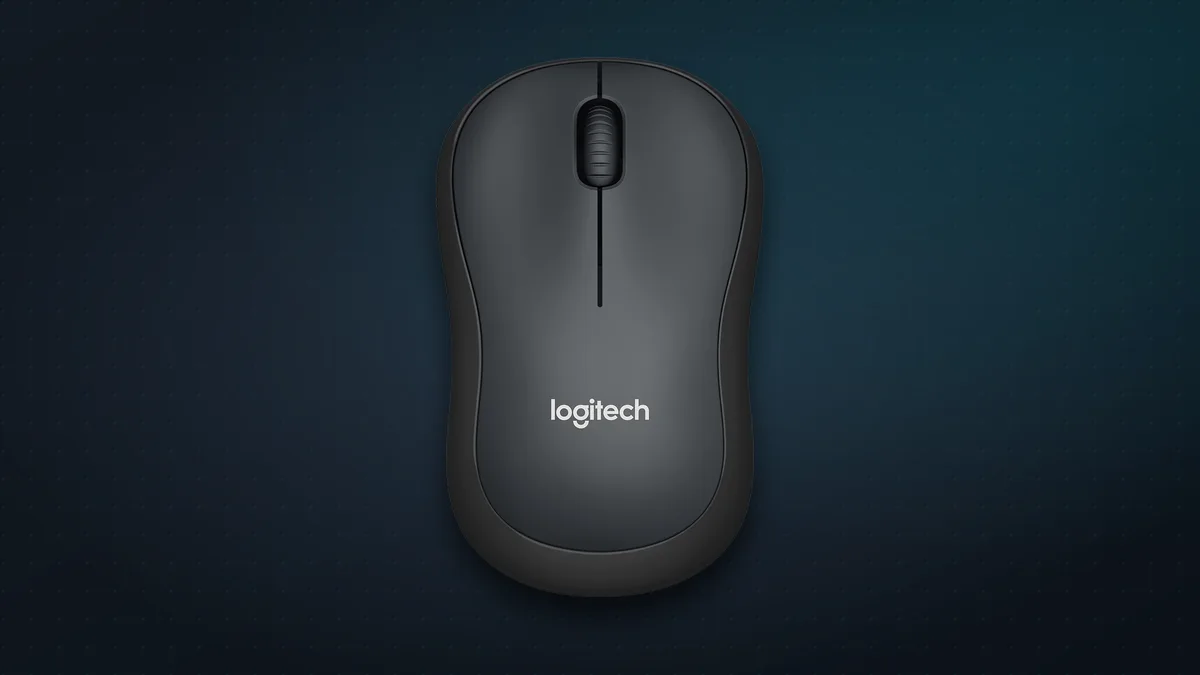
- Specs: 2.4 GHz USB receiver · 1000 DPI · silent clicks · 1×AA, about 18 months · 75 g · 3-year warranty
- Price: $17.99 (US) · ₹725 (India)
- Buy: Amazon US · Amazon India
Want silent and Bluetooth? The Logitech M240 Silent has the same quiet clicks over Bluetooth (with an optional Logi Bolt receiver) and adjustable speed in Logitech’s app: $22.99 · ₹1,139. Amazon US · Amazon India.
8. Dell MS3320W: the best all-rounder
The Dell MS3320W does both: a USB receiver for your desktop and Bluetooth for your laptop, so one mouse covers both. Dell rates its single AA battery at up to 36 months, and it comes with a 3-year warranty. The sensor goes up to 4000 DPI if you have a big screen.
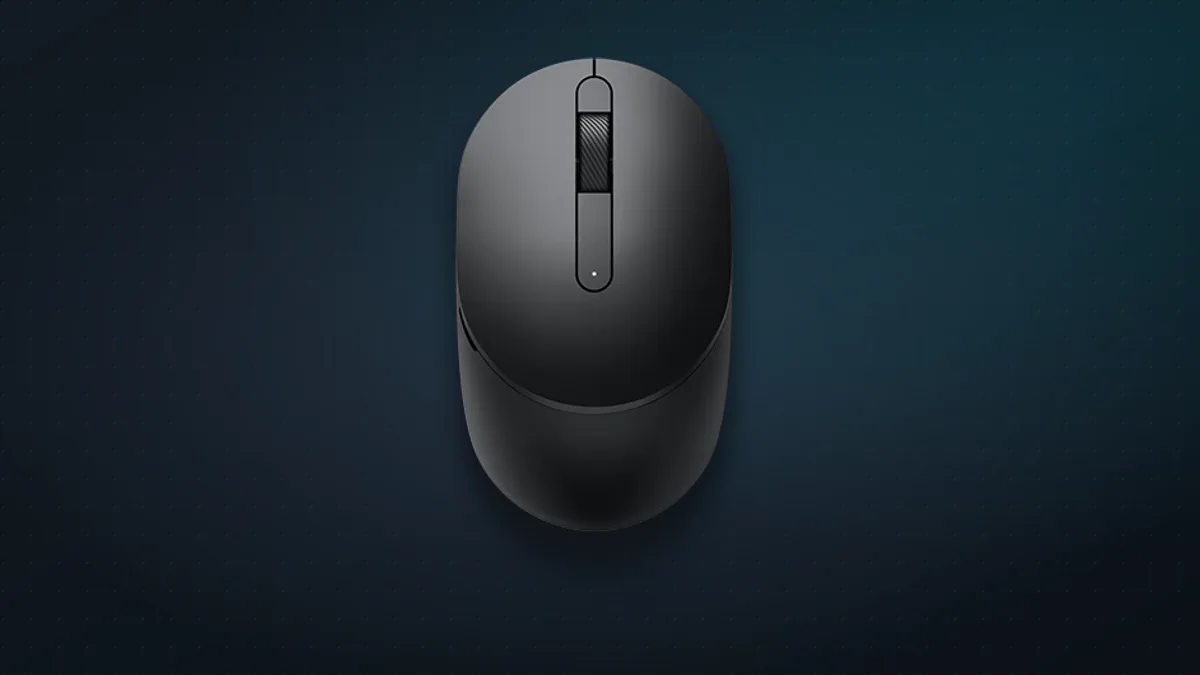
- Specs: 2.4 GHz receiver + Bluetooth 5.0 · 1000–4000 DPI · 3 buttons · 1×AA, up to 36 months · 64 g · 3-year warranty
- Price: $24.99 (US) · ₹1,699 (India)
- Buy: Amazon US · Amazon India
9. Logitech Pebble Mouse 2 M350s: slim, quiet, for travel
The Pebble 2 is flat enough to slip into a laptop sleeve, with quiet clicks and Bluetooth that remembers three devices; press a button to jump between your laptop, tablet and phone. It’s rated for 24 months on one AA. Being so flat, it’s better for short sessions than an eight-hour day.
- Specs: Bluetooth, 3 devices · quiet clicks · 1×AA, about 24 months · 76 g · 1-year warranty
- Price: $24.99 (US) · ₹1,595 (India)
- Buy: Amazon US · Amazon India
10. Logitech Signature M650: the step-up for all-day comfort
If you’re at a computer all day, the M650 is worth the extra money. It’s shaped for a right hand, with two side buttons for back and forward, quiet clicks and a SmartWheel for fast scrolling. It connects with the included Logi Bolt receiver (stored inside the mouse) or Bluetooth, and lasts up to 24 months on one AA. There’s a larger M650 L for big hands and a left-handed version.
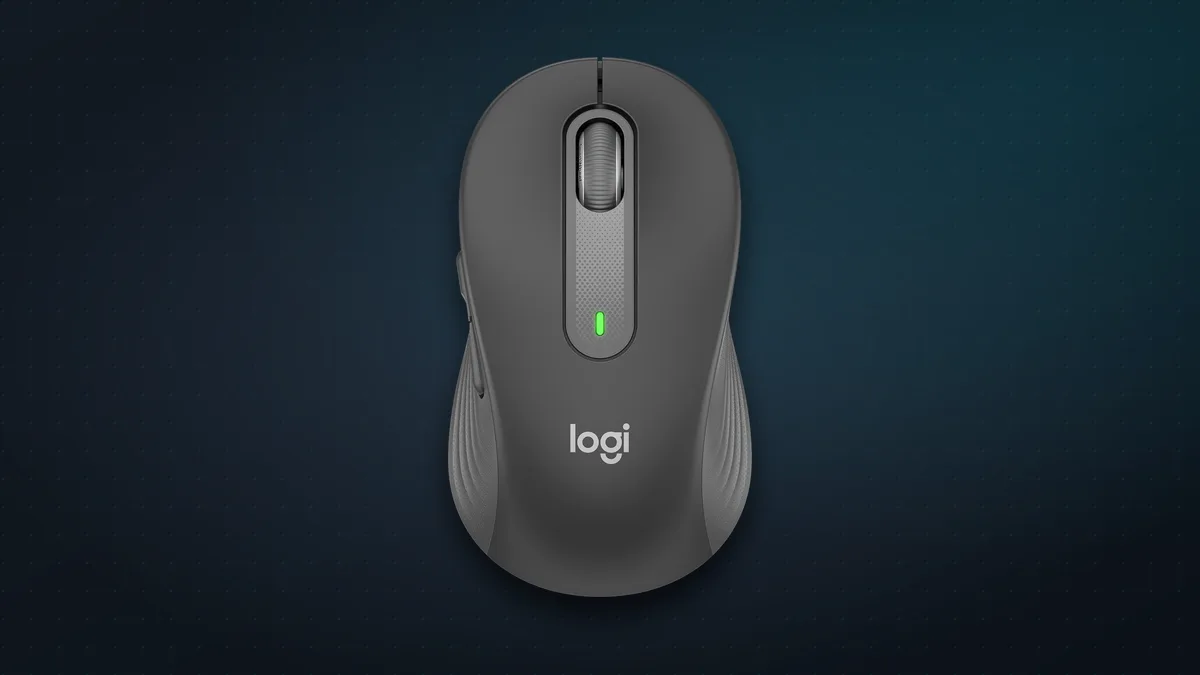
- Specs: Logi Bolt receiver + Bluetooth · up to 4000 DPI · 5 buttons · quiet clicks · 1×AA, up to 24 months · 101 g · 1-year warranty
- Price: $39.99 (US, often less) · ₹2,750 (India)
- Buy: Amazon US · Amazon India
Also consider: the Lenovo 300 Wireless Compact (about $11.99, very light at 52 g), the Amazon Basics 2.4 GHz Wireless Mouse (about $13.50, receiver stores inside), and in India the Portronics Toad 23 (about ₹259) and Zebronics Zeb-Jaguar (about ₹349, adjustable speed). Lenovo 300 Wireless · Amazon Basics wireless · Toad 23 · Zeb-Jaguar.
Comparison table
| Mouse | Connection | DPI | Buttons | Battery | Weight | Quiet | Warranty (US) | US price | India price |
|---|---|---|---|---|---|---|---|---|---|
| Logitech B100 | Wired, 180 cm | 1000 | 3 | – | 90 g | No | 3 yr | $7.99 | ₹329 |
| Logitech M90 | Wired, 180 cm | 1000 | 3 | – | 90 g | No | 3 yr | Old stock | ₹356 |
| Logitech M100 / M100r | Wired, 180 cm | 1000 | 3 | – | 90 g | No | 3 yr | $9.99 | ₹485 |
| Dell MS116 | Wired, 1.8 m | 1000 | 3 | – | 87 g | No | – | $11.99 | ₹298 |
| Lenovo 300 USB | Wired, 1.8 m | 1600 | 3 | – | ~70 g | No | 1 yr | $7.99 | ₹300 |
| Logitech M185 | USB receiver | 1000 | 3 | 1×AA, 12 mo | 75 g | No | 3 yr | $17.99 | ₹810 |
| Logitech M170 / M171 | USB receiver | 1000 | 3 | 1×AA, 12 mo | 69 g | No | 1 yr | $14.99 | ₹795 |
| Logitech M196 | Bluetooth | 1000 | 3 | 1×AA, 12 mo | 76 g | No | 1 yr | $14.99 | ₹695 |
| Logitech M220 / M221 | USB receiver | 1000 | 3 | 1×AA, 18 mo | 75 g | Yes | 3 yr | $17.99 | ₹725 |
| Logitech M240 Silent | Bluetooth | 400–4000 | 3 | 1×AA, 18 mo | 74 g | Yes | 1 yr | $22.99 | ₹1,139 |
| Dell MS3320W | Receiver + Bluetooth | 1000–4000 | 3 | 1×AA, 36 mo | 64 g | No | 3 yr | $24.99 | ₹1,699 |
| Logitech Pebble 2 M350s | Bluetooth, 3 devices | 400–4000 | 3 | 1×AA, 24 mo | 76 g | Yes | 1 yr | $24.99 | ₹1,595 |
| Logitech Signature M650 | Bolt receiver + Bluetooth | 400–4000 | 5 | 1×AA, 24 mo | 101 g | Yes | 1 yr | $39.99 | ₹2,750 |
Wired or wireless?
- Wired is cheapest, never needs a battery, and has nothing to lose. It’s ideal for a desktop PC that stays put.
- A USB receiver connects instantly and works even on older PCs. But it uses up a USB-A port, and you need an adapter on a USB-C-only laptop or MacBook.
- Bluetooth frees up the port, works with iPads and tablets, and some models switch between several devices. It can take a second or two to reconnect after sleep.
- Lag doesn’t matter for office work. Modern wireless mice respond within milliseconds; you won’t notice any difference typing, browsing or editing documents.
How to choose an everyday mouse
Don’t worry about DPI. DPI is how far the cursor moves when you move the mouse. HP says most people are comfortable between about 800 and 1,600 DPI for everyday work, and you can always change the pointer speed in Windows or macOS. A higher DPI helps a little on big 4K monitors.
Pick a size that fits your hand. Logitech suggests measuring from the crease of your wrist to the tip of your middle finger: under 17.5 cm is small, over 19 cm is large. Compact mice like the M170 and Pebble suit small hands and travel; full-size ones like the B100 and M650 are comfier for a long day.
Left-handed? Most mice here are symmetrical and work in either hand. The Signature M650 is right-handed, but it comes in a left-handed version.
Mac, iPad and Chromebook. Every main pick here works with a Mac; some budget Indian mice list only Windows. iPads support Bluetooth mice (iPadOS 13.4 or later), so choose the M196, M240, Pebble 2 or M650. On a Chromebook, the B100 and Pebble 2 carry Google’s “Works With Chromebook” badge.
Quiet clicks are worth a few dollars if you work near other people. Look for “silent” in the name.
FAQ
What is the difference between the Logitech M90 and B100? Very little. They have the same body, sensor, cable and 3-year warranty. The B100 is Logitech’s business and school version and is still sold by Logitech; the M90 was a retail model and has been removed from Logitech’s websites, though shops still sell it. Buy whichever is cheaper.
Is the Logitech B100 800 or 1000 DPI? Logitech’s current spec says 1000 DPI, though some older listings still say 800. For office use the difference doesn’t matter.
Is a wireless mouse better than a wired one? Not for everyday work; it’s about convenience. Wireless frees you from the cable; wired is cheaper and never needs a battery.
Which cheap mouse works with an iPad or a USB-C laptop? A Bluetooth mouse, like the Logitech M196 or M240 Silent. It doesn’t need a USB port at all.
How long does a wireless mouse battery last? Most budget wireless mice are rated for 12 to 24 months on one AA battery. The Dell MS3320W is rated for up to 36 months.
Shopping for more desk gear? See our MX Master 3S vs MX Master 4 comparison if you want a premium office mouse, or our budget gaming mice under $50 for games.
Watch: this guide in 2 minutes
More short videos
Sources & further reading
- Logitech — B100 Optical USB Mouse for Business (specs)
- Logitech Support — Specification: B100 Optical USB Mouse
- Logitech — M90 Corded Mouse (archived product page, March 2023)
- Logitech — M100 USB Mouse
- Logitech — M185 Wireless Mouse
- Logitech — M170 Wireless Mouse
- Logitech — M196 Bluetooth Mouse
- Logitech — M220 Silent Wireless Mouse
- Logitech — M240 Silent Bluetooth Mouse
- Logitech — Pebble Mouse 2 M350s
- Logitech — Signature M650 Wireless Mouse
- Dell — Dell Pro 3 Wired Mouse (MS116)
- Dell — Dell Pro 5 Mouse (MS3320W)
- Lenovo — 300 USB Mouse (GX30M39704)
- HP — What is DPI on a mouse? (mouse glossary)
- Logitech — Find your mouse size
- Apple Support — Use a Bluetooth mouse, trackpad or keyboard with your iPad
Keep reading
Logitech MX Master 3S vs MX Master 4: which productivity mouse should you buy?
Logitech's MX Master 3S is now cheaper than ever, and the MX Master 4 adds haptics. Features, prices in the US and India, the catches, and which one to buy.
Read more →
NIIMBOT B1 label maker: the cheap gadget that's actually useful
The NIIMBOT B1 prints 2-inch labels from your phone with no ink. What it's good for, the catches (including the label rolls) and whether to buy it.
Read more →
OBSBOT Meet Flip: is the $119 foldable 4K webcam worth it?
The OBSBOT Meet Flip is a tiny 4K webcam that folds shut over its own lens. What it does well, where it falls short and who should buy it.
Read more →