The best Grok Bot plugins and skills in 2026: 14 to add first (and what to skip)
Grok Bot is xAI's always-on AI agent. The 14 plugins and skills to add first, for email, Notion, Slack, Canva, research and shopping, and how to stay safe.
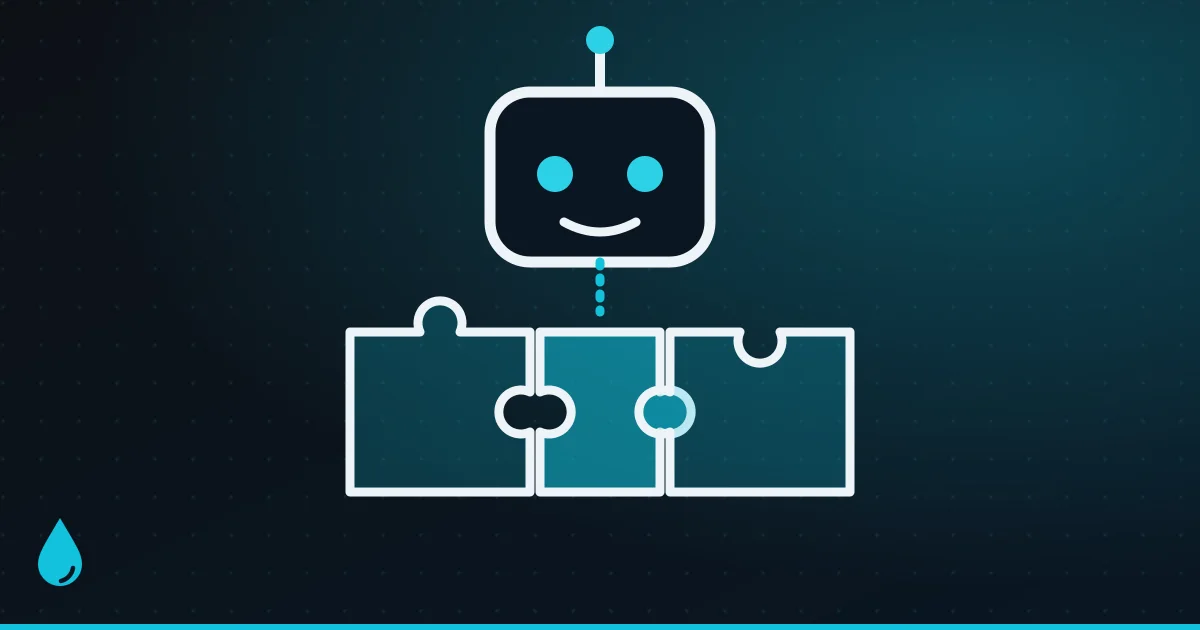
Grok Bot isn’t a chatbot you ask questions. It’s xAI’s always-on AI agent: each Bot gets its own cloud computer, with a browser, files and a terminal, and keeps working after you close the app. It came out of beta as Grok Bot 1.0 on November 2, 2026.
What makes a Bot useful is what you plug into it. A Bot with your email, calendar and task app can sort your inbox and plan your week. Without them, it’s mostly a browser that can click around.
Here are the 14 plugins and skills worth adding first, grouped by what you’ll use them for, plus how to set them up safely.
Grok Bot at a glance:
- What it is: always-on AI agents with their own cloud computer, separate from the Grok chat app
- Where: desktop apps for Mac, Windows and Linux; iPhone and Android companion apps; also inside Slack, Microsoft Teams and X. There’s no web version.
- Who gets it: X Subscription Premium ($30 a month), Super ($100) or Ultra ($200). Free and Plus ($8) don’t include it.
- Plugins: come from the Cursor Marketplace, and you sign in with a Cursor account
Grok, Grok Build and Grok Bot: which is which?
xAI now has three products with similar names:
- Grok is the chatbot on grok.com, the apps and X. It has its own Skills feature for things you want it to remember.
- Grok Build is a coding agent that runs in your terminal.
- Grok Bot is the agent that does work for you: it browses sites, sends emails (as drafts you approve), joins meetings and runs tasks on a schedule.
This guide is about Grok Bot.
Plugins and skills, explained
- A plugin, which the app calls an app, connects your Bot to a service like Gmail or Notion. Many plugins also bundle ready-made skills and commands.
- A skill is a saved set of instructions for how to do a task, like “triage my inbox the way I like it”. Notion’s plugin, for example, comes with 14 skills.
- A routine runs a skill on a schedule, or when something happens.
To add a plugin, open Connect apps in the sidebar (on your phone: tap your avatar > Connect apps), or just ask your Bot, for example “add the Notion app”. Then finish the service’s own sign-in.
Two things to check:
- “Added” means installed, not signed in, so make sure it shows under Installed.
- Your login tokens stay on Cursor’s servers. The Bot uses the app without ever seeing your password.
Start with these five
1. Gmail, Google Calendar and Google Drive
The obvious first step, and they’re free with a Google account. Your Bot can search and draft emails, schedule meetings and find, create and share files. The Drive plugin can also turn notes into a Google Doc or Sheet, or export a PDF. One catch: if you use a work Google account, your admin may need to approve Grok first.
2. Outlook, Teams and OneDrive (if you use Microsoft 365)
The Microsoft set does the same jobs for Microsoft 365 users: read and send Outlook email, check Outlook Calendar, read and post in Teams, and browse OneDrive files. On work accounts, expect to need IT’s approval.
3. Notion
Made by Notion and free to connect, even on Notion’s free plan. It lets your Bot search your pages and databases, create pages and tasks and update records. It comes with 14 ready-made skills, so “add this to my reading list” just works.
4. Slack
Slack’s own plugin adds skills for a channel digest, a daily standup, finding past discussions and drafting announcements. Bear in mind that it posts as you, and your workspace admin may need to allow it.
5. Todoist (or Asana)
For your to-do list: create, find and complete tasks and projects. If your team runs on Asana instead, Asana has its own plugin for creating tasks and updating projects.
Add these as you need them
For creating
6. Canva. Made by Canva, with seven skills: create and edit designs, resize them for different platforms, get feedback, and check them against your brand kit. A free Canva account can connect, but brand kits and templates need a paid plan.
7. ElevenLabs. Text-to-speech, dubbing, voice agents and music. It needs an ElevenLabs API key, which means an ElevenLabs account, and usage counts against it.
8. Runway. Generate images, video, music and sound effects from your Bot using models like Gen-4.5. You sign in with Runway (no API key), but it uses Runway credits.
9. Gamma. Turn notes into a presentation, document or simple web page. Handy when your Bot has done the research and you need slides by morning.
For research
10. Firecrawl. Lets your Bot search the web and turn pages into clean text or structured data, and monitor pages for changes. It’s one of the easiest to set up: you sign in through the browser, with no API key to paste.
11. Exa. An AI-focused web search engine that’s good at finding relevant pages and pulling out their content. It’s a strong pick if your Bot does a lot of research.
12. X. Search posts, trends, timelines, lists and your bookmarks, and even schedule posts. Note that it needs X API credits, which are pay-as-you-go and separate from your subscription.
For shopping
13. Shop by Shopify. Compare products across millions of shops, build a cart and check out with Shop Pay. At other shops, you approve the purchase and the Bot pays with a single-use card. It’s the safest way to let an agent buy things.
For developers
14. GitHub. Manage repos, issues, pull requests and Actions, and let GitHub events trigger routines, for example “summarise every new issue”. Vercel and Supabase have official plugins too, if you deploy apps.
Plugins to skip, or think twice about
- Finance, Robinhood, Gopuff and X Money look US-focused (bank linking through Plaid, US trading, US grocery delivery). They’re unlikely to be useful in India.
- Browser Use and Playwright add browser automation, but your Bot already has its own browser, so most people don’t need them.
- Travel: there are no consumer travel plugins yet, such as Booking.com or Airbnb. Your Bot can still book through its browser, with you approving the payment.
- Zapier connects 9,000+ apps, but add it only for an app that has no plugin of its own, since it means one more account with its own limits.
Teach it your own skills
You don’t have to rely on ready-made skills:
- Ask your Bot to save a method once it has done a task the way you like, for example “save this as my weekly report skill”.
- Teach a task: record yourself doing a browser task once (up to 10 minutes) and the Bot drafts a skill from it.
- Routines run a skill on a schedule, such as every morning at 8, or when something happens, like a new GitHub issue. Each Bot can have up to 50, at least 5 minutes apart.
- On team plans, you can publish skills for your colleagues.
Is it safe?
An agent that can send emails and spend money needs guard rails, and Grok Bot has several:
- Auto Review checks each action. For risky ones you get a card to Allow once, Always allow or Deny. That includes sending, publishing, buying, deleting, changing permissions and accepting terms.
- Only your messages count as instructions. Text in an email or on a web page can’t tell your Bot what to do. That’s its defence against prompt-injection tricks.
- Passwords stay hidden. Logins go through a vault or 1Password, and you step in for passkeys, CAPTCHAs and card checks.
- Plugins in the Cursor Marketplace are reviewed by a person and are open source. Cursor still says installing them is at your own risk.
- All your Bots share one computer, so don’t treat separate Bots as a security boundary.
- Deleting a Bot doesn’t wipe the shared computer’s files or logins. Clear those yourself.
Can you use Grok Bot in India?
xAI hasn’t published Indian prices or an India-specific launch, and its pricing page shows US dollars only. The Grok Bot docs don’t list India as excluded, though. Grok itself is available wherever X is, and the only listed restriction (tagging @bot on X) covers Europe, the UK and Australia, not India. If you sign up in the mobile app, the App Store or Google Play will show the local price. Some plugins, like the Plaid-based Finance plugin and Gopuff, are aimed at the US.
FAQ
Is Grok Bot free? No. It needs an X Subscription of Premium ($30 a month) or higher. New accounts get a 7-day trial credit, which doesn’t turn into a paid plan automatically.
Are the plugins free? The plugins themselves are, but your Bot’s work uses your subscription’s weekly allowance. Some services need their own paid account, like ElevenLabs, Runway credits or X API credits.
Where do Grok Bot plugins come from? The Cursor Marketplace. You open them from Connect apps in the Grok Bot app and sign in with your Cursor account.
Can Grok Bot spend my money? Only with your approval. Purchases trigger an approval card, and shopping plugins like Shop use single-use cards or spending limits you set.
Related: the best Claude connectors, the best ChatGPT alternatives and how to build your first AI agent.
Watch: this guide in 2 minutes
More short videos
Sources & further reading
- xAI — Introducing Grok Bot
- xAI — Grok Bot 1.0
- xAI — Pricing
- xAI docs — Get started with Grok Bot
- xAI docs — Computer and apps
- xAI docs — Skills, routines and automations
- xAI docs — Approvals, security and privacy
- xAI docs — Grok Bot FAQ
- Cursor — Marketplace
- Cursor — Marketplace security
- xAI — Grok Skills
- xAI — Grok Build
Keep reading
The new Claude desktop app ("Claude 2.0"): everything that changed
Chat and Cowork merged, Docs and Slides, split view, cloud sessions, /goal and mods: what's new in the rebuilt Claude desktop app, and how to use it.
Read more →
The best ChatGPT alternatives in 2026: free and paid AI assistants compared
Claude, Gemini, Copilot, Perplexity and more: which ChatGPT alternative fits how you work, what each costs in the US and India, and the privacy catches.
Read more →
The best Claude plugins and skills in 2026: 16 worth installing (and how to stay safe)
The best Claude plugins and skills for work, coding and design: Anthropic's own, Slack, GitHub, Notion, Canva and Superpowers, and how to use them safely.
Read more →