Which Mac should you buy in 2026?
MacBook Air, Pro, mini, iMac or Studio? How to pick the right Mac for what you actually do, plus the one spec that matters most before you check out.
Disclosure: This article may contain affiliate links. If you buy through them we may earn a small commission at no extra cost to you. It never influences our editorial opinion.
Apple’s Mac lineup looks more complicated than it is. Strip away the marketing and there are really just two questions: laptop or desktop? and how much power do you actually need? Answer those honestly and the right Mac picks itself. Here’s the 2026 guide.
The 30-second answer
- Most people → MacBook Air (M5), from $1,099. The right Mac for the vast majority.
- Creators / pros → MacBook Pro (M5 or M5 Pro).
- Best value, bring your own screen → Mac mini, from $899.
- All-in-one desktop → iMac, from $1,499.
- Serious workstation → Mac Studio, from $3,099.
The lineup at a glance
| Mac | Price (from) | Best for |
|---|---|---|
| Mac mini | $899 | Cheapest way into a Mac — add your own monitor |
| MacBook Air (M5) | $1,099 | Almost everyone — the default laptop |
| iMac | $1,499 | A tidy all-in-one desktop |
| MacBook Pro (M5) | $1,999 | Creators, developers, power users |
| Mac Studio | $3,099 | Video, 3D, and heavy pro workloads |
(Prices shifted around in 2026 amid chip shortages — always confirm on Apple’s own site.)
Why the MacBook Air is right for most people
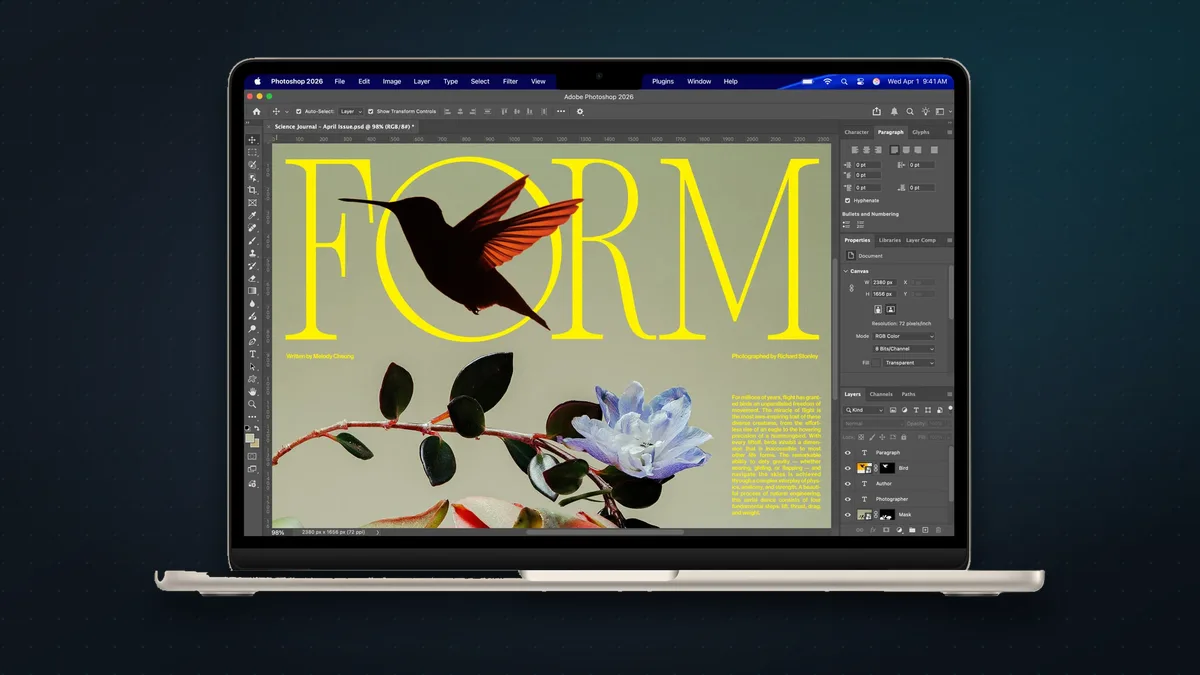
For $1,099, the M5 MacBook Air is silent (no fan), thin, light, and more than fast enough for what most people do all day: browsing, email, documents, video calls, photo edits, even light video. Apple’s chips are so efficient that the “entry” laptop handles what used to need a “Pro.” Unless a specific need pulls you toward a Pro, start here.
When to step up to a MacBook Pro
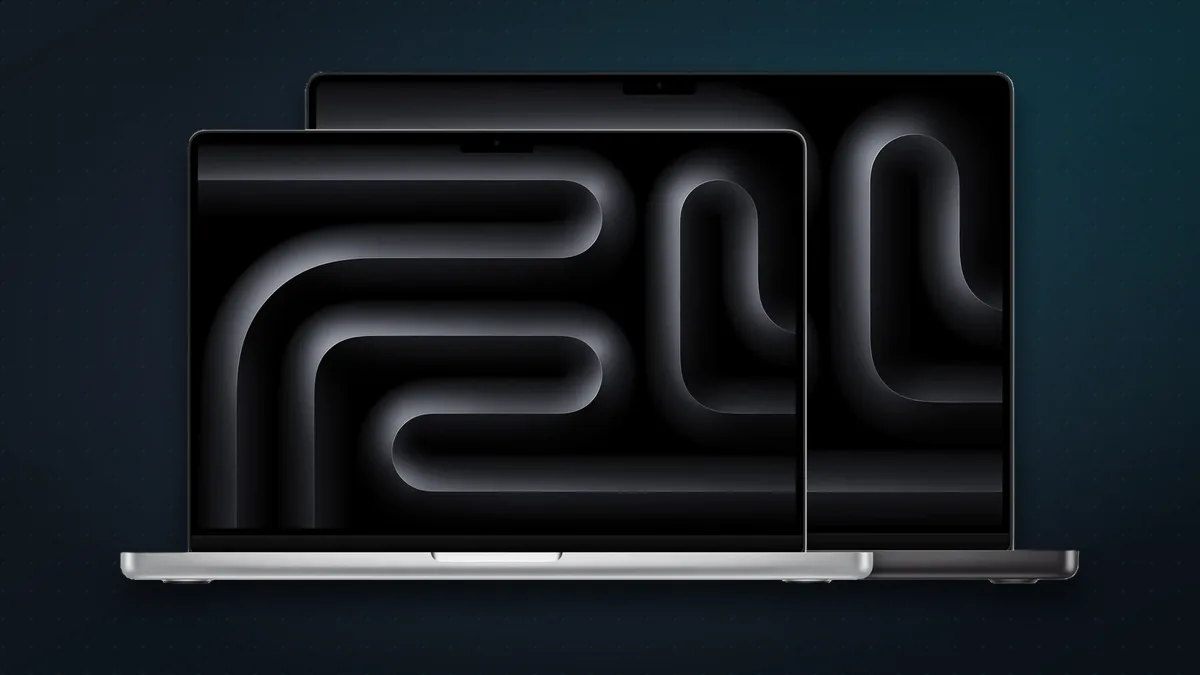
The MacBook Pro (from $1,999) earns its price for people who genuinely push their machine: video editors, developers compiling large projects, music producers, 3D artists. You get sustained performance (a cooling fan that lets it run hard without throttling), a brighter and better display, and more ports. The M5 Pro and M5 Max chips deliver roughly 30% faster CPU and up to 50% better graphics than last year — real gains if your work needs them, overkill if it doesn’t.
The desktops
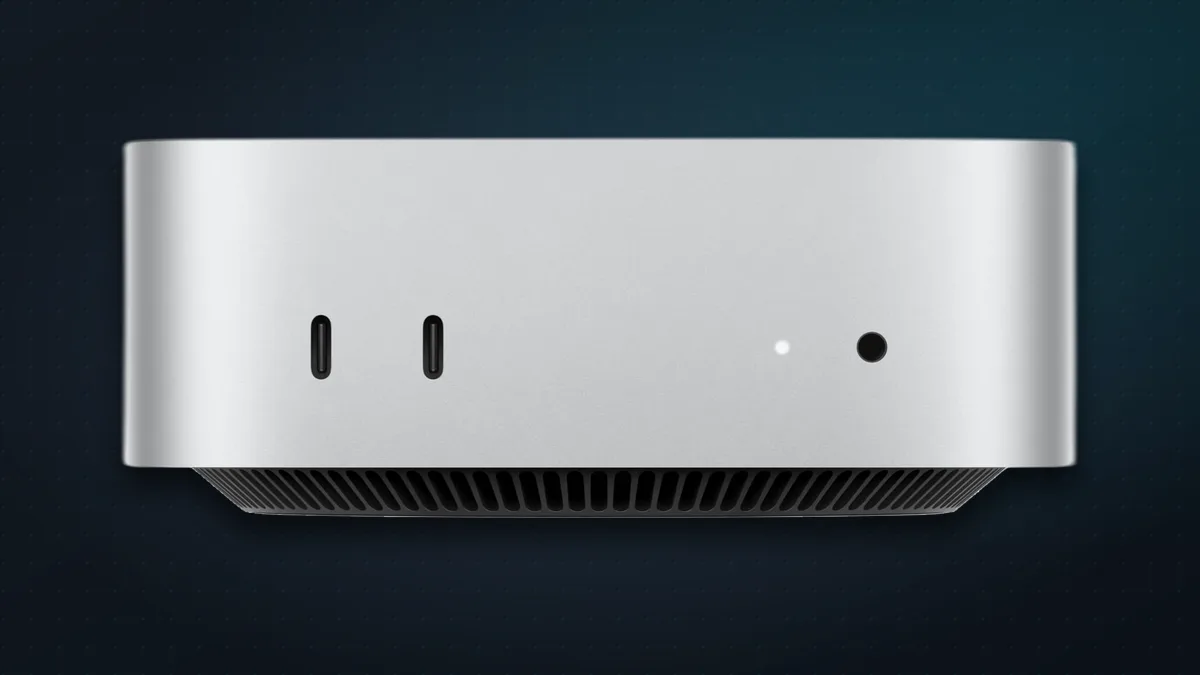
- Mac mini (from $899) — the best value in the whole lineup. If you already have a monitor, keyboard, and mouse, it’s the cheapest way into a genuinely fast Mac. Perfect for a home office or a first Mac.
- iMac (from $1,499) — a clean 24-inch all-in-one with keyboard and mouse in the box. Lovely for a family or a tidy desk — but note it’s still on the older M4 chip, so if you’re not in a hurry, an update may be worth the wait.
- Mac Studio (from $3,099) — a compact powerhouse for professionals doing heavy video, 3D, or AI work. Most people don’t need this; the ones who do already know.
The one spec that matters most: memory
Here’s the single most important thing to get right, because you can’t change it later. Mac memory (RAM) is unified and soldered to the chip — there’s no upgrading it after you buy. So:
- 16GB is the sensible floor in 2026 for most people.
- 24–32GB if you edit video, run virtual machines, keep dozens of heavy tabs and apps open, or dabble in local AI models.
- Storage is the same story — not user-upgradeable on modern Macs, so buy enough (512GB is a comfortable default) or plan to lean on external drives and iCloud.
Spend your money here before you spend it on a fancier model: a MacBook Air with 24GB of memory will serve most people better than a base MacBook Pro with 16GB.
How to save money
- Buy the base model, upgrade the memory. For most people the base chip is plenty; RAM and storage are where the money’s better spent.
- Check Apple’s Certified Refurbished store. Same warranty, real savings, genuinely as-new condition.
- Don’t buy the iMac right before its update if you can wait — it’s the oldest chip in the range.
- Consider AppleCare for laptops you’ll carry everywhere; skip the coverage math you don’t actually need.
The bottom line
For almost everyone, the answer is the MacBook Air (M5) with a memory bump — the Mac most people should buy and then never think about again. Step up to a MacBook Pro only if your work genuinely demands sustained power, grab a Mac mini for the cheapest fast desktop, and reserve the Mac Studio for real professional workloads. Whatever you pick: spend on memory, not badges.
Shopping for Apple gear? See our iPhone buying guide too.
Sources & further reading
Keep reading
iPhone Duo: pros, cons, and should you buy Apple's first foldable?
Apple's first foldable iPhone costs $1,999 (₹2,99,900). What reviewers love and don't, how it compares with rival foldables, and who should buy one.
Read more →
Apple vs Android in 2026: an honest guide to picking your side
iPhone or Android in 2026? Neither is simply better. Here's where each one genuinely wins, and the one question that should decide it for you.
Read more →
Which iPhone should you buy in 2026?
Apple now sells seven iPhones, from $699 to $1,999, including the iPhone 18 Pro, 18 Pro Max and foldable Duo. Here's which one is right for you.
Read more →